

What is a Threat Score?
A Threat Score is a metric for understanding the severity and potential impact of narratives within your workspace. It’s comprised of multiple indicators like volume, velocity, sentiment, and reach to help you prioritize what truly matters quickly. This framework ensures that you can quickly separate the signals from the noise. Plus, with customizable weighting for each dimension, you have the flexibility to tailor Threat Scores to your specific needs and goals. Workflow to test out:- Navigate to one of your workspaces
- Toggle over the “Narratives” tab
- Sort by Threat Score
- See the narratives in the order that they need to be prioritized
Where can I see Threat Scores in my dashboard?
- Narrative Cards
- Threat scores are displayed on each narrative card within the application.
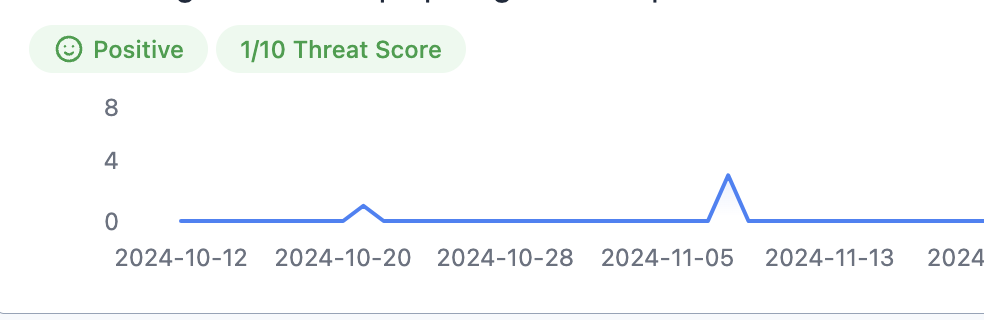
- Threatening Narratives
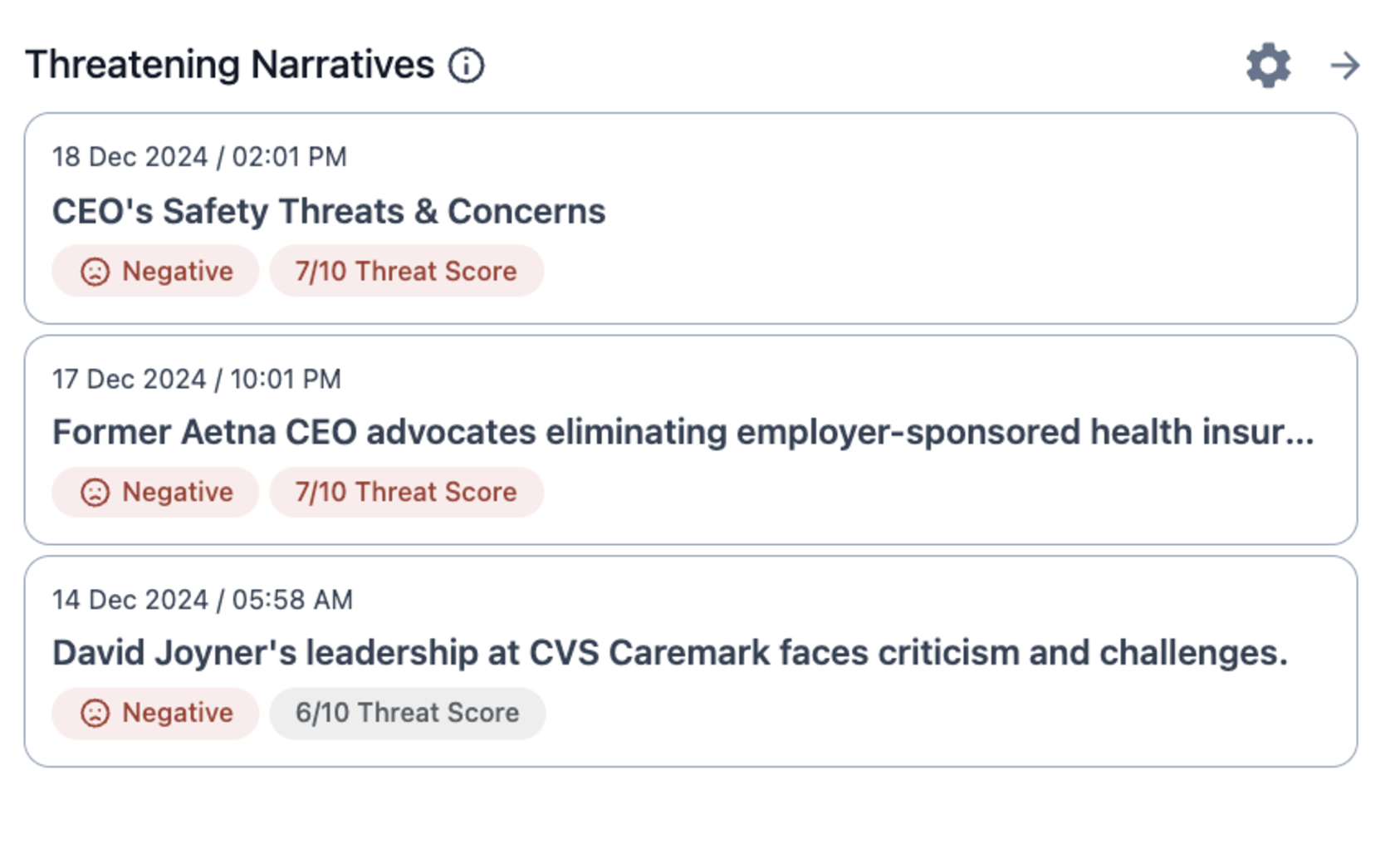
-
Sorting by Threat Score
- Use sorting options to prioritize and focus on the most important narratives based on their threat scores.
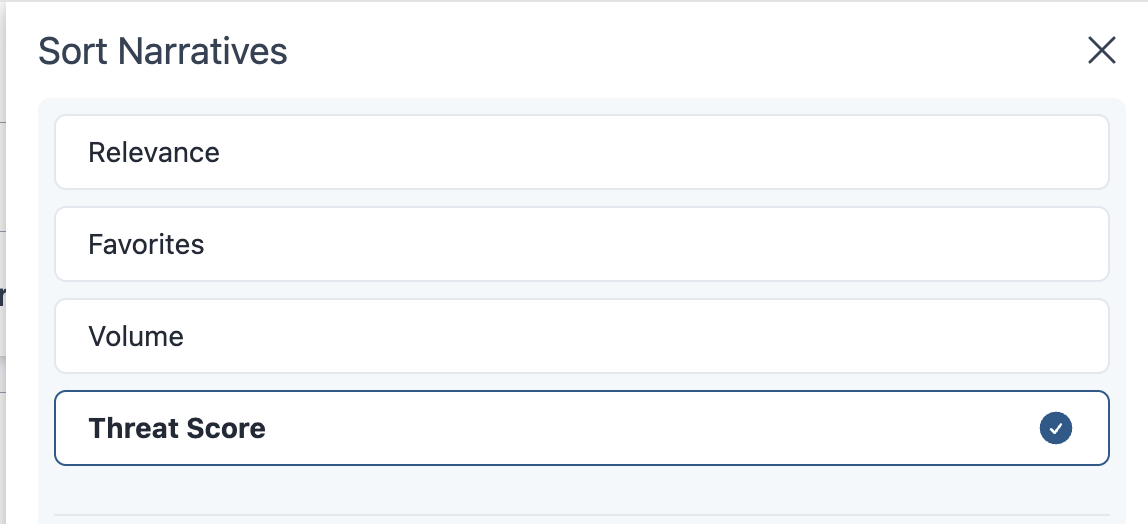
- Use sorting options to prioritize and focus on the most important narratives based on their threat scores.
-
Filtering by Threat Score
- Use filters to sift through narratives quickly and only find the most important narratives.
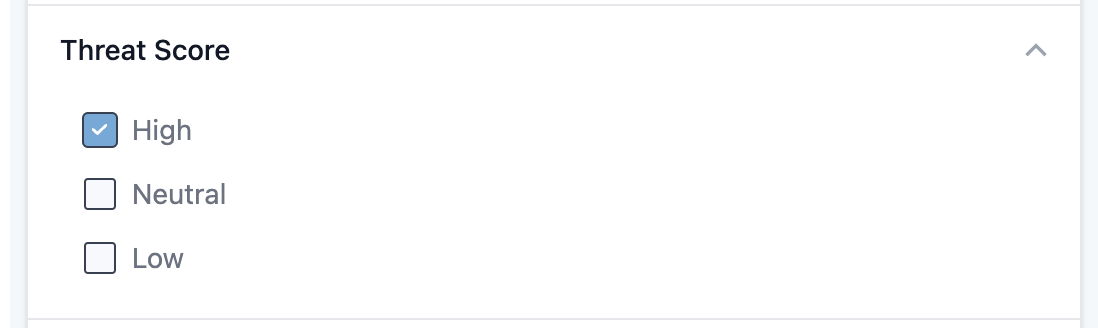
- Use filters to sift through narratives quickly and only find the most important narratives.
-
Settings and Score Weights
- Explore the weights and dimensions contributing to threat scores under Settings (in the left hand menu)-> Threat Scores. See all available dimensions in threat scores under “Core Dimensions” listed below.
%20(2).gif)
- Explore the weights and dimensions contributing to threat scores under Settings (in the left hand menu)-> Threat Scores. See all available dimensions in threat scores under “Core Dimensions” listed below.
-
Narrative Page Details
- On individual narrative pages, view a detailed breakdown of the dimensions influencing your threat score.
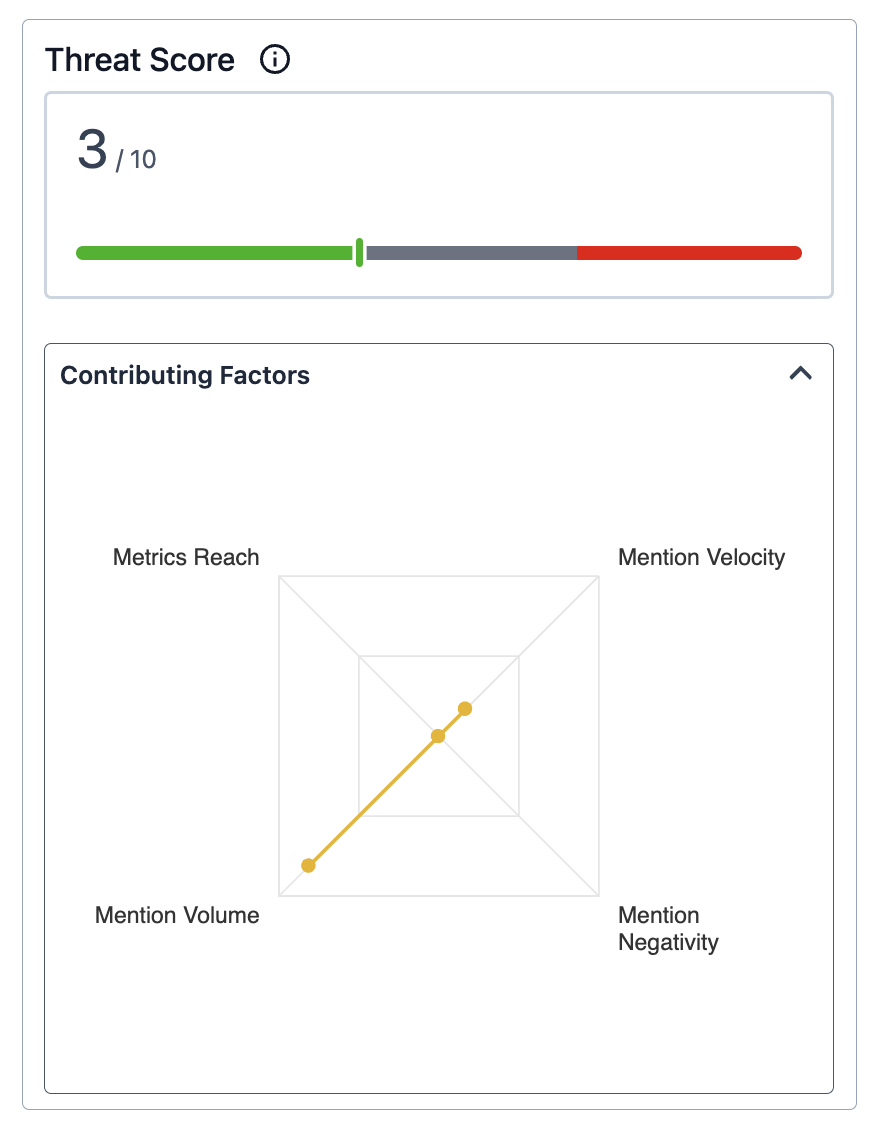
- On individual narrative pages, view a detailed breakdown of the dimensions influencing your threat score.
How Threat Scores Work in Practice
- Narratives are scored dynamically based on selected dimensions and weightings.
- Scores are recalculated in real time as new data is ingested.
- Threat scores will always be calculated relative to the other narratives in your workspace.
- Threat Scores can be customized with dozens of indicators to ensure accuracy.
- You can quickly see what dimensions are contributing to a narrative’s threat scores under the “Contributing Factors” section of your narrative page.
Core Dimensions of Threat Scores
- Volume
- Velocity
- Reach
- Traditional Sentiment
- Customized Favorability
- Domain Lists
- Bot Detection
- News Credibility Ratings
Custom Weighting
You have the ability to customize their Threat Scores based on their preferences, and assign weight to each dimension:- Example: Organizations focusing on brand reputation may emphasize Sentiment, while those managing crises might prioritize Volume.
- Weighted dimensions directly impact the Threat Score displayed.
-
While you do have access to explore and edit weights under Settings (in the left hand menu) -> Threat Scores, we recommend utilizing our Insights Team. You can always reach them at support@peakmetrics.com!
Future Dimensions
PeakMetrics is planning to enhance the Threat Scores framework with these additional dimensions in the future:- Anomaly Detection - Coming soon
- Veracity (Fact-checking Data) - Coming soon
- Deepfake/Synthetic Text Detection - Coming soon