

Why Use PeakMetrics Atlas?
- Create quick executive summaries, narrative insights, and media analysis reports.
- Easily share generated PDFs with leadership or stakeholders to speed up decision-making.
- Download saved reports as PDFs directly through your browser.
- Stay tuned for upcoming features like chatbot-driven report editing and conversational assistance.
How to Build Reports with PeakMetrics Atlas
- Log in to your PeakMetrics workspace.
- Navigate to the top-right menu, next to the Dashboard tab.
-
Click the Atlas icon to open the report builder.

- Click Create New Slide.
-
Select one of the six available slide templates to generate your report.
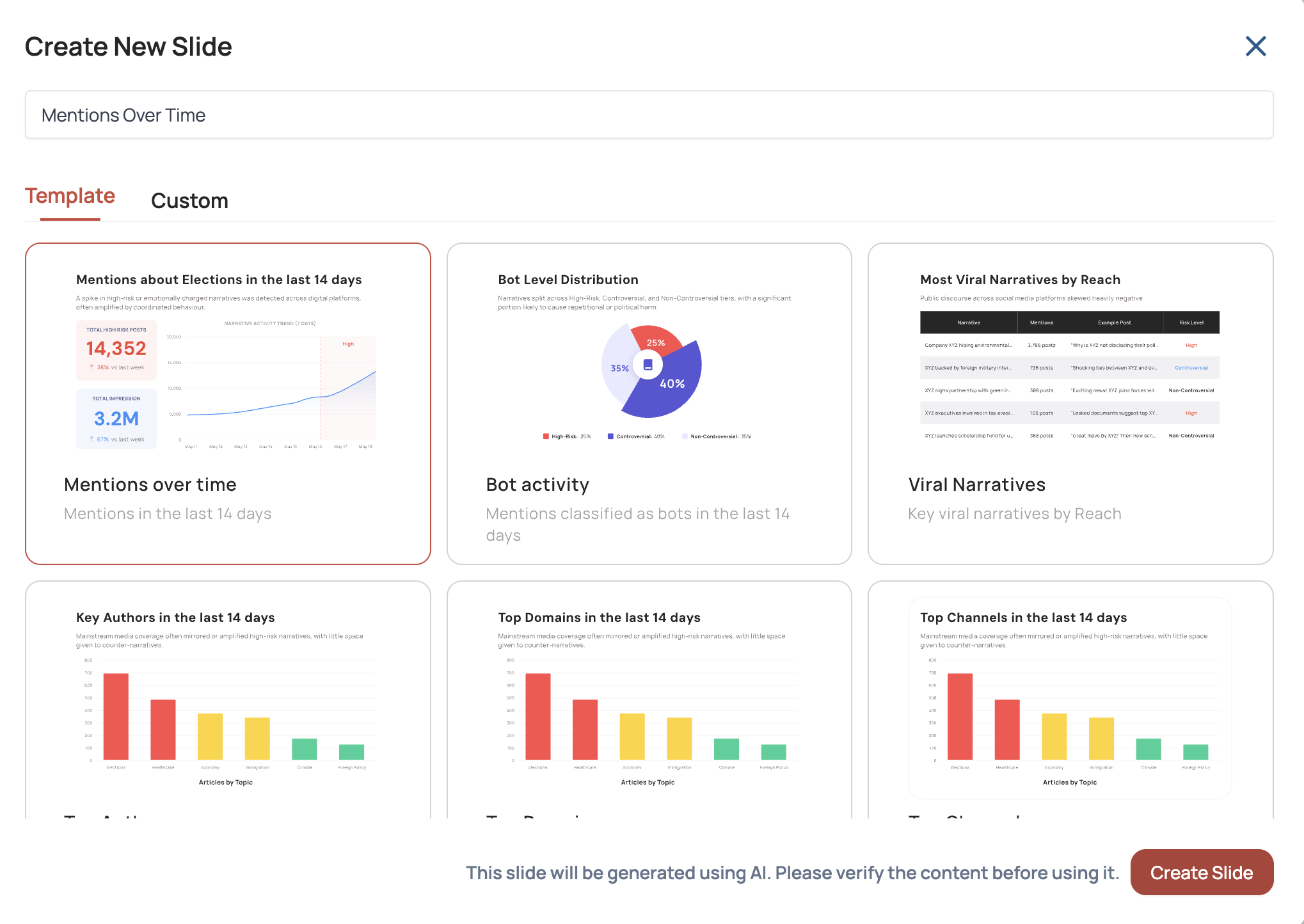
What to Expect
-
A pop-up will appear while your slide is generating.

-
Once complete, your slide will display in the workspace, ready for review.
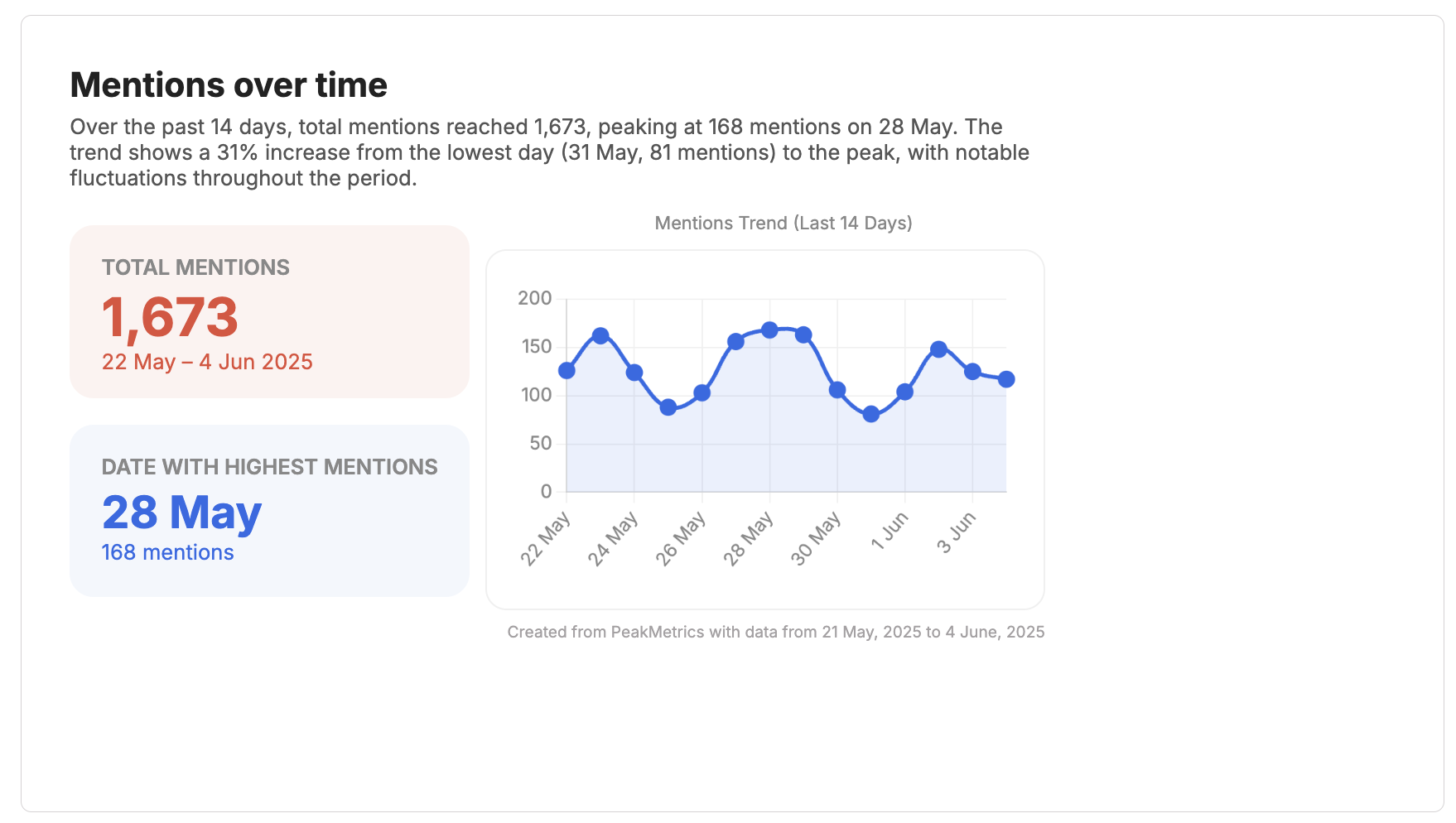
💡 If your data updates, simply regenerate the slide to reflect the latest insights.
If you have any questions or want to learn more, please contact our support team or visit the PeakMetrics Help Center.