

- View only mentions published bot-like accounts.
- Compare organic user activity vs. automated or coordinated activity.
- Layer the filter with other insights—like favorability or themes—to uncover deeper patterns in your data.
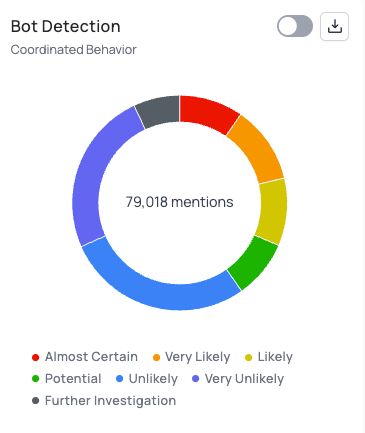
- Apply the Bot Detection filter from your workspace filters panel. Select the level of confidence or bot-likelihood you want to analyze.
- Use additional filters—such as Smart Categories for additional insights like favorability or themes—to segment further (e.g., unfavorable mentions driven by bots vs. real users).
- Combine Bot Detection with the Volume Over Time chart to spot sudden spikes in automated activity.
- Use the AI Summary for a quick thematic overview and leverage the AI chatbot to ask targeted questions about that segment of filtered mentions.
- Review both bot-likely and non-bot segments to understand how automation is influencing the broader conversation.