

Where to find templates
Workspace Templates live on the Workspaces page (/workspace).
- If you don’t have any workspaces yet, you’ll land on a first-time screen that lists the available templates alongside a Start from scratch option.
- If you already have workspaces, click the Create Workspace dropdown button at the top of the Workspaces page. The dropdown lists the same templates plus a from-scratch option.
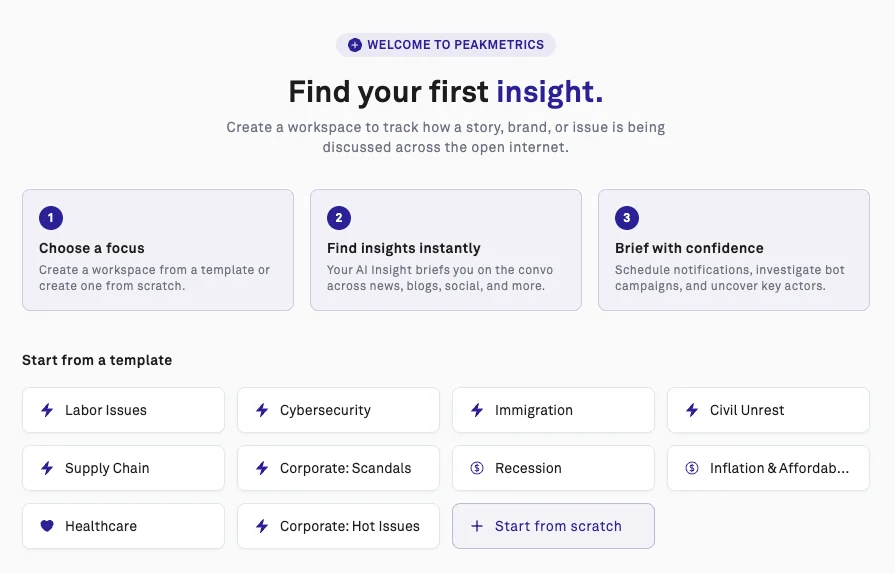
Create a workspace from a template
- Open the Workspaces page (or click Create Workspace if you already have one).
- Click the template that best matches what you want to track.
- On the configuration screen, review the preset keywords and sources, and adjust them if you’d like.
- Click Create Workspace to save it to your account.